One-tap cutouts
Detect the main subject and create a clean transparent background in seconds.
Faster product images start with a clean cutout.
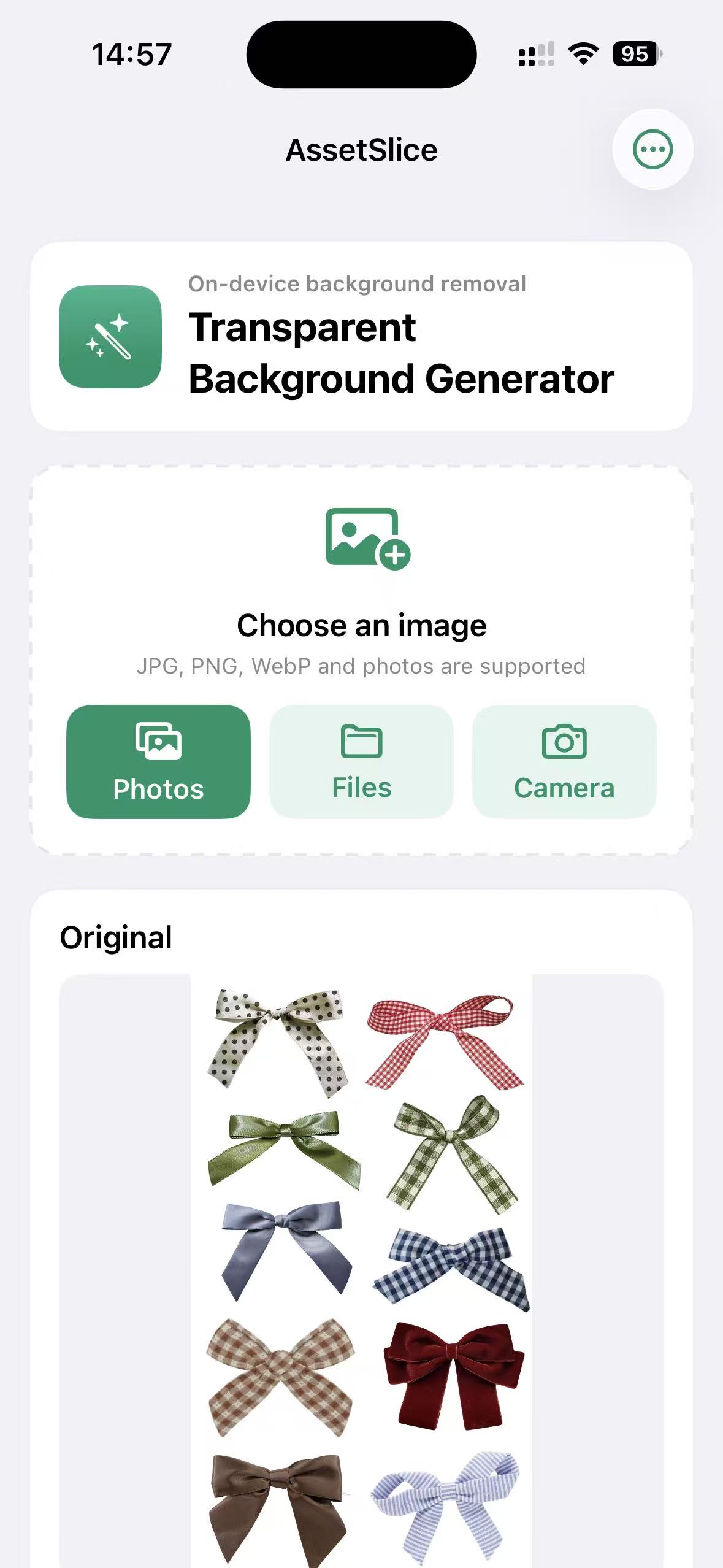
Detect multiple subjects at once and turn each one into a separate asset. Replace backgrounds, apply filters, and standardize dimensions on iPhone and Mac.
Leave repetitive work behind
One tool, three everyday workflows
Split icons, decorations, and objects from a photo in one pass, ready for posters, product pages, and social content.
Ready for final production
Detect the main subject and create a clean transparent background in seconds.
Separate multiple subjects in one pass and export each asset individually.
Use a solid color or your own photo to prepare product images quickly.
Enhance, brighten, add vivid or warm color, or go monochrome without changing the background.
Standardize output dimensions and reduce repetitive listing or delivery work.
Keep frequently used cutouts inside the app and continue whenever you need them.
On-device by design
Subject detection, background processing, filters, and your library all stay on your iPhone or Mac. No account is required, and images are never uploaded to our servers.
Simple pricing
After the 7-day free trial, your subscription renews automatically at ¥8/month and can be cancelled anytime in the App Store. You can also choose a ¥38 lifetime purchase.
Capture on mobile. Batch on desktop.
Use iPhone for capture and fast output, then Mac for batch organization and precise adjustments. Start wherever the work happens.
Frequently asked questions
Yes. Unless you cancel before the trial ends, it renews automatically at ¥8/month. You can manage or cancel it anytime in the App Store, or choose the ¥38 lifetime purchase.
No. Use the same Apple Account and restore your purchase on Mac.
Yes. Image processing and saved cutouts remain on your device and do not depend on our cloud servers.
Yes. AssetSlice detects multiple subjects in one image and creates an individual cutout for each one.
AssetSlice for iPhone & Mac